


Description
Download Music Equalizer MP3 player – MP3 & Audio, Sound Enhancer, Android App
Overview
The Music Equalizer MP3 player is a mobile audio enhancement tool designed to improve sound quality on Android devices. Developed by Creatiosoft Solution Private Limited, the app allows users to customize audio output by adjusting individual frequency bands. This functionality enables listeners to tailor sound profiles to their personal preferences or specific listening environments. The application is particularly useful for enhancing music playback on smartphones and tablets, especially when using headphones or low-quality speakers.
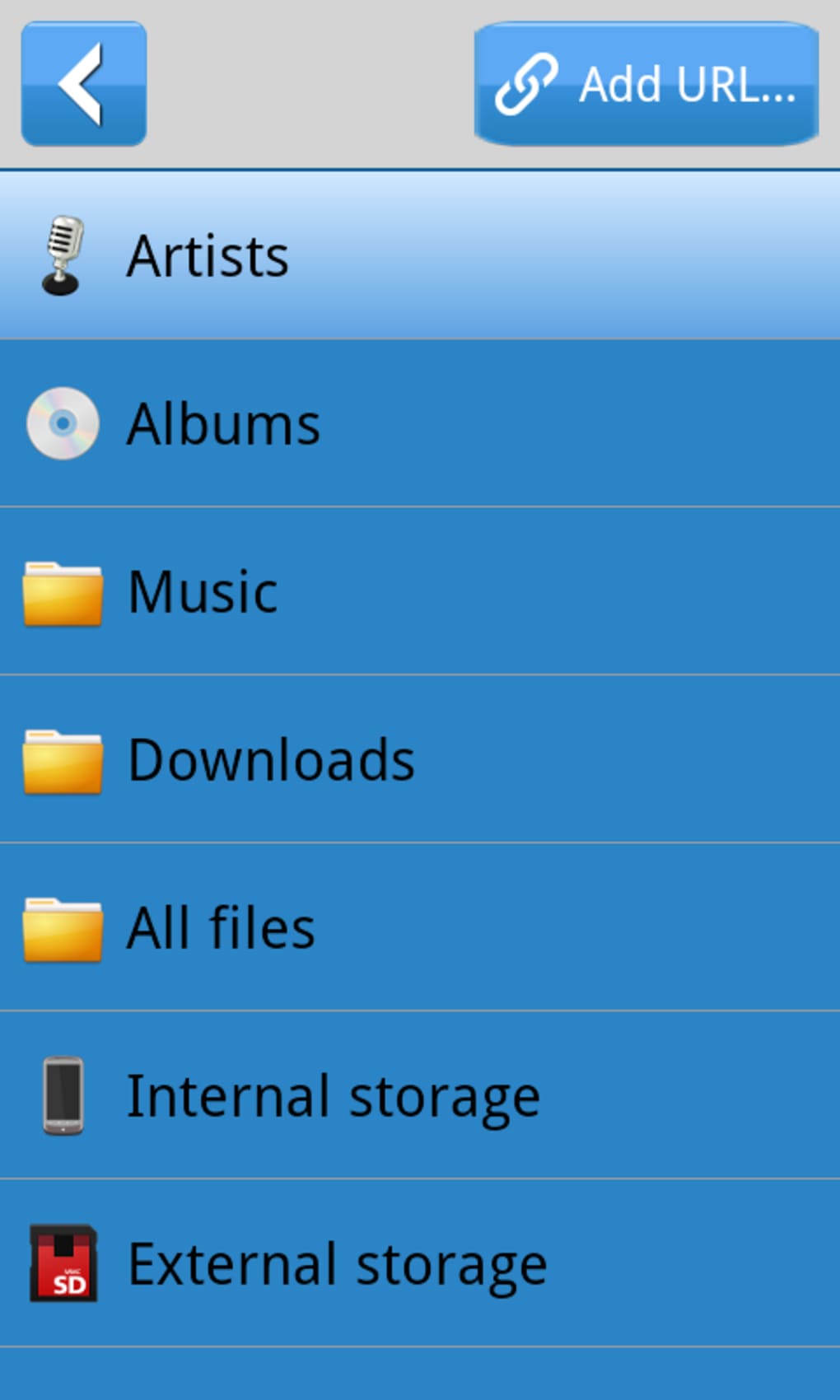
Targeted at general consumers and casual music enthusiasts, the software provides a straightforward way to modify audio characteristics without requiring technical expertise. It is ideal for users who want more control over how music sounds on their devices. The app supports a wide range of audio formats through the device’s native media player, making it compatible with most local music libraries.
Given its long-standing presence in the Android ecosystem since 2014, the Music Equalizer MP3 player has established a consistent user base. The app is available in English and supports Android 3.0 and higher, ensuring accessibility across older and newer devices. While the developer has not disclosed additional details about the app’s architecture or backend processing, its core purpose remains focused on audio customization and improved listening experiences.
Key Features & Capabilities
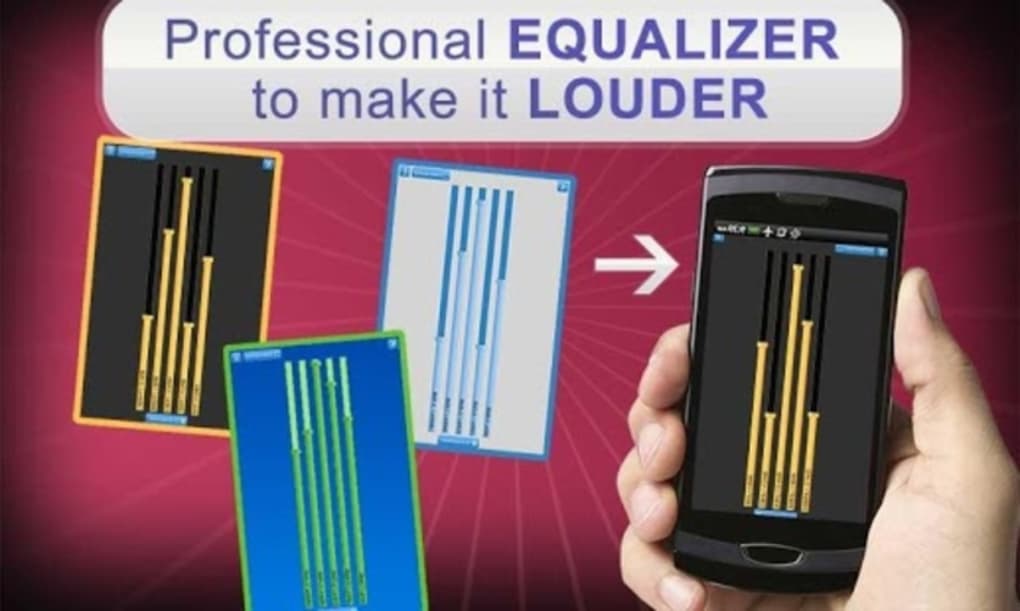
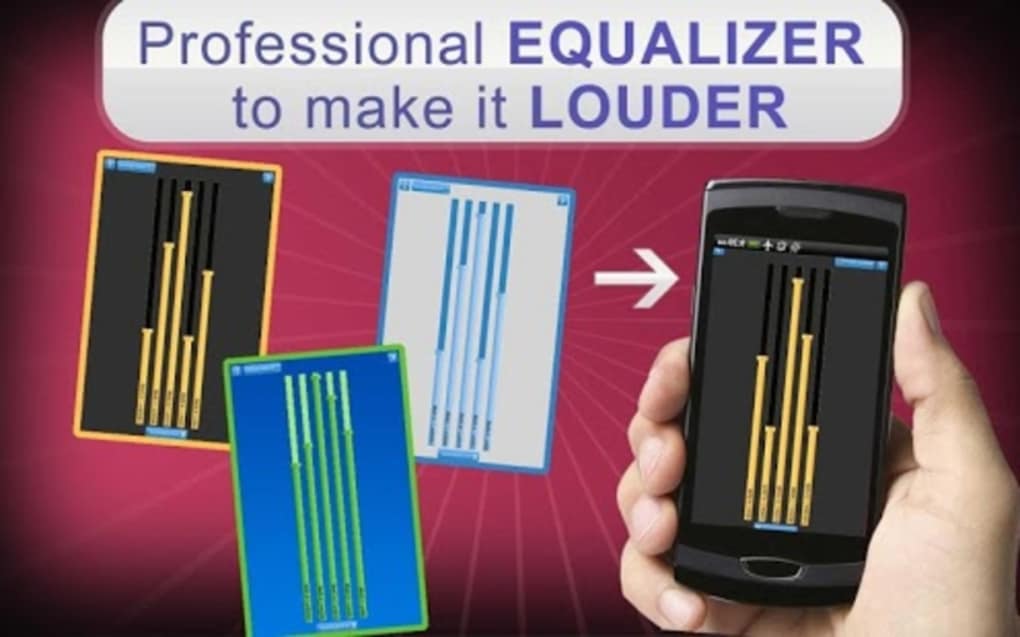
- Frequency Band Adjustment – Users can fine-tune individual frequency ranges (e.g., bass, midrange, treble) to shape the overall sound profile according to personal taste or music genre.
- Predefined Presets – The app includes preset sound profiles such as Bass Boost, Vocal Clarity, and Flat Response, offering quick access to optimized audio settings for common listening scenarios.
- Real-Time Audio Processing – Adjustments are applied dynamically during playback, allowing users to hear changes instantly without restarting tracks.
- Compatibility with Native Media Player – Works seamlessly with the device’s built-in music player, eliminating the need for a separate media application.
- Free with Ads – The software is available at no cost, supported by advertisements, which may appear during use or in the interface.
These features make the app suitable for everyday audio enhancement. For example, users can boost bass levels when listening to hip-hop or increase treble for clearer vocals in acoustic music. The real-time adjustment capability ensures immediate feedback, enabling fine-tuning based on actual listening conditions. Presets help beginners quickly achieve desired sound qualities without deep technical knowledge.
User Interface, Workflow & Performance
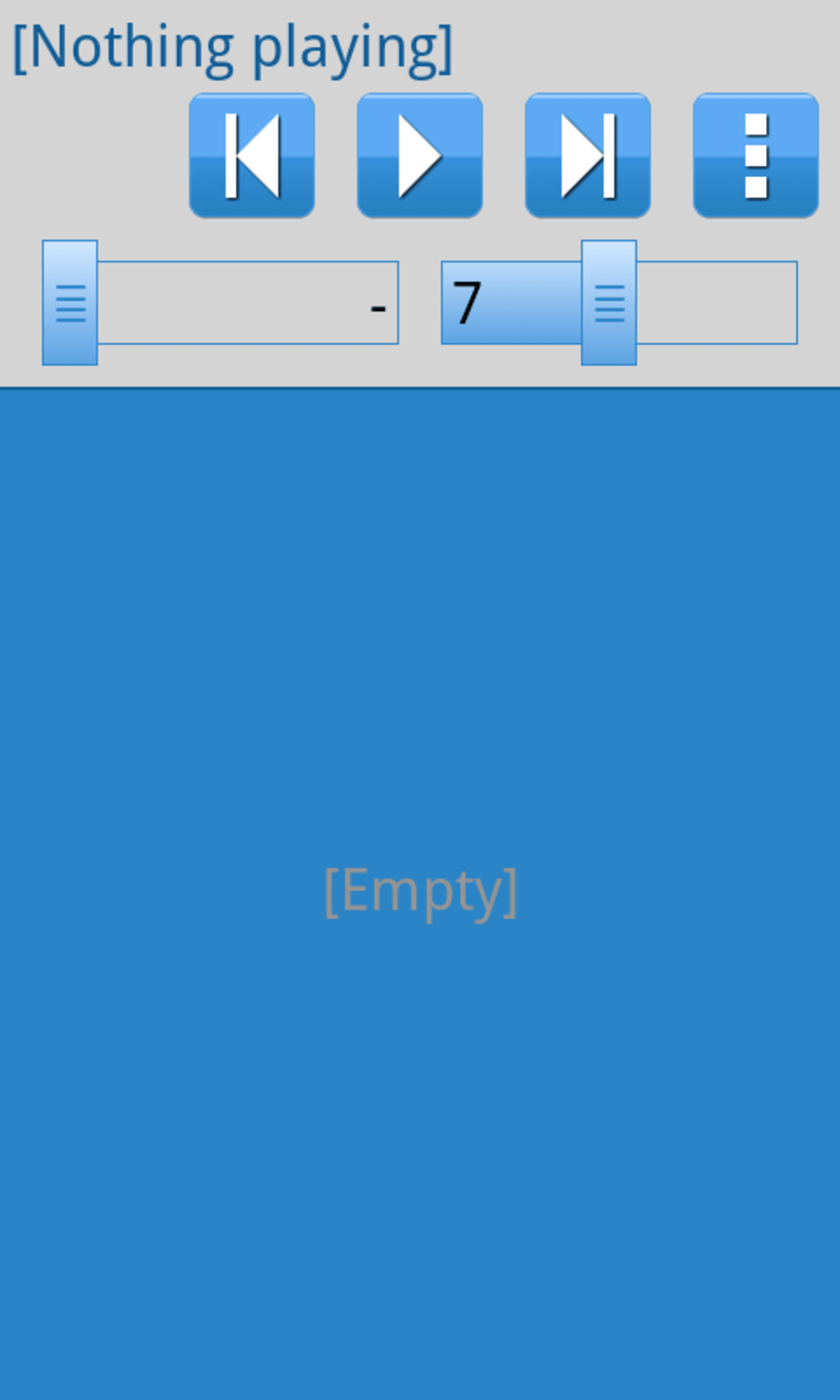
The user interface of Music Equalizer MP3 player is designed with simplicity in mind, featuring a clean layout that prioritizes accessibility. Main controls are displayed prominently, including sliders for each frequency band and a set of preset buttons. Navigation is intuitive, allowing users to switch between settings and apply changes with minimal effort.
Workflow efficiency is high, as the app integrates directly into the system’s audio pipeline. Once enabled, equalizer settings are applied automatically to all audio playback, including music, podcasts, and videos. This seamless integration reduces the need for repetitive configuration across different apps.
Performance observations are based on general software behavior patterns. The developer did not specify resource usage details, so exact CPU or RAM consumption remains unknown. Stability appears consistent given the app’s long-term availability and frequent use across various Android devices. However, performance may vary depending on the device’s hardware and Android version.
Compatibility & System Requirements
Music Equalizer MP3 player is compatible with Android 3.0 and higher versions, ensuring support for a broad range of devices released since 2011. The app is available exclusively for Android operating systems and does not support iOS, Windows, or macOS platforms.
The installation size varies depending on the device type, as noted by the developer. Exact system requirements were not listed, including minimum RAM, processor speed, or storage space. This lack of detailed specifications means users should rely on general device capabilities when determining suitability.
Given its age and continued availability, the app remains functional on many modern Android devices, though compatibility with the latest Android versions has not been explicitly confirmed. Users should ensure their device meets the minimum OS requirement before installation.
Pros and Cons
Pros
- Free to download and use with no upfront cost
- Intuitive interface suitable for non-technical users
- Real-time audio adjustments for immediate feedback
- Supports a wide range of audio formats via native media player
- Includes useful presets for quick sound optimization
Cons
- Contains advertisements that may interrupt user experience
- Limited to Android platform only
- No detailed system requirements provided
- Version 1.2 was released in 2014, indicating minimal recent updates
- Performance and resource usage details were not disclosed
FAQ Section
Is Music Equalizer MP3 player compatible with my Android device?
The app supports Android 3.0 and higher. If your device runs a version equal to or newer than Android 3.0, it should be compatible. However, compatibility with the latest Android versions has not been explicitly confirmed.
Is the app safe to download and use?
Yes, the download link is secure and virus-free. The app is available through trusted distribution channels and has been used by over 11,000 users without reported widespread security issues.
Does the app require an internet connection?
No, Music Equalizer MP3 player operates entirely offline. Once installed, it functions without requiring an active internet connection.
Can I use this app with any music player?
The app integrates with the device’s native media player. It does not require a third-party music player, but its functionality may be limited when used with apps that bypass the system audio pipeline.
Is there a paid version without ads?
The developer has not announced a premium or ad-free version. The current release remains free with advertisements.
Final Thoughts + CTA
Music Equalizer MP3 player delivers a straightforward and accessible way to enhance audio output on Android devices. Its core functionality—adjusting frequency bands and applying presets—remains relevant for users seeking better sound quality without complex setup. While the app lacks modern updates and detailed technical specifications, its long-standing presence in the market speaks to its reliability and basic effectiveness.
It is best suited for casual listeners, smartphone users, and those who want simple audio customization without installing additional software. The free model with ads is a trade-off for accessibility, and the lack of recent development suggests it may not support the latest Android features.
Despite its limitations, the app continues to serve its purpose for a niche audience. If you're looking to improve your music experience on Android with minimal effort, Music Equalizer MP3 player is a viable option.
Download Music Equalizer MP3 player now
Guides & Tutorials for Music Equalizer MP3 player
How to install Music Equalizer MP3 player
- Click the Preview / Download button above.
- Once redirected, accept the terms and click Install.
- Wait for the Music Equalizer MP3 player download to finish on your device.
How to use Music Equalizer MP3 player
This software is primarily used for its core features described above. Open the app after installation to explore its capabilities.
User Reviews for Music Equalizer MP3 player 0
No reviews found





